
Learn Video Editing Through Frame, Rhythm, and Scene Structure

-
Anchor Stage
Regular price €449,00 EURRegular price -
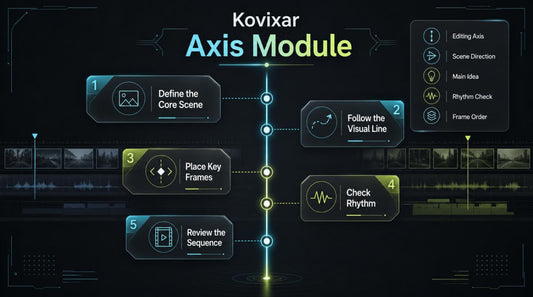
Axis Module
Regular price €39,00 EURRegular price -
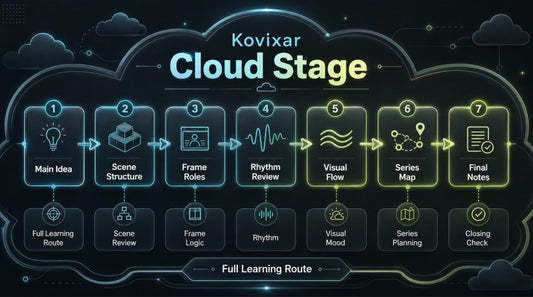
Cloud Stage
Regular price €495,00 EURRegular price -
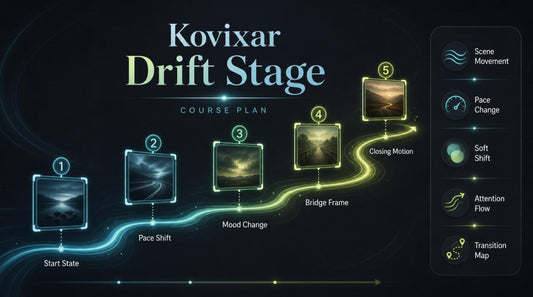
Drift Stage
Regular price €297,00 EURRegular price -
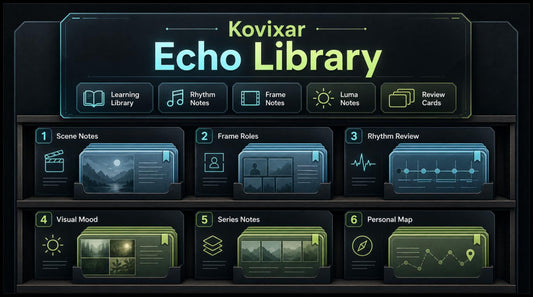
Echo Library
Regular price €216,00 EURRegular price -
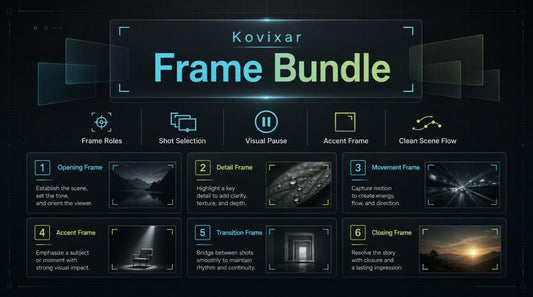
Frame Bundle
Regular price €122,00 EURRegular price -
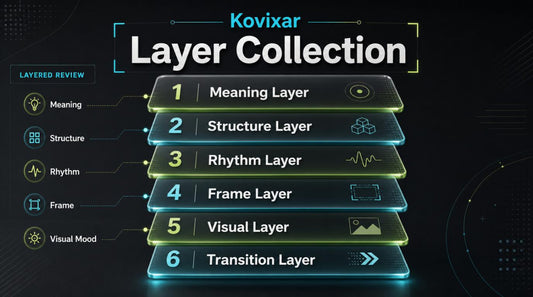
Layer Collection
Regular price €244,00 EURRegular price








As seen on


Kovixar began with a love for frames, pauses, and precise cuts
People who listen closely to the frame
-

Callen Brookfield
Frame Analyst
Callen studies the role of each frame in learning materials. He pays attention to opening fragments, details, accents, and scene endings. His approach helps remove repeated parts while keeping the main idea clear. -

Maris Ellington
Visual Diagram Designer
Maris creates diagrams for explaining rhythm, structure, and transitions. She works with lines, cards, layers, and learning maps. Her visual approach makes detailed topics easier to follow. -

Everett Stonefield
Transition Editor
Everett works with transitions between frames and scene parts. He analyzes how viewer attention moves from one fragment to another. His work helps make the editing sequence feel smoother.


Helping you see editing as the language of the frame, not just a set of buttons
Why Kovixar feels comfortable
-

Clear Structure
The materials are divided into modules, so each topic has its place in the learning route.
-

Frame Focus
The course helps learners better understand frame roles, pauses, transitions, and scene rhythm.
-

Practical Tasks
The materials include tasks, checklists, and review questions for independent work.
-

Calm Learning
The Kovixar approach is built without pressure, loud claims, or unnecessary information noise.



30-Day Refund Period
Stories from the editing path
-

Mason Whitaker
Mason came to Kovixar feeling that his scenes had many useful frames, but they did not always form a clear sequence. He found the modules on frame roles, scene rhythm, and checklist-based final review useful. “Kovixar helped me look at my scenes with more order, especially when choosing which frames should stay.”
-

Avery Caldwell
Avery came to Kovixar because she wanted to organize learning and creative materials more clearly before editing. The approach with working cards, notes, and step-by-step scene review was useful for her. “The review cards helped me slow down and understand what each frame was doing in the sequence.”


